
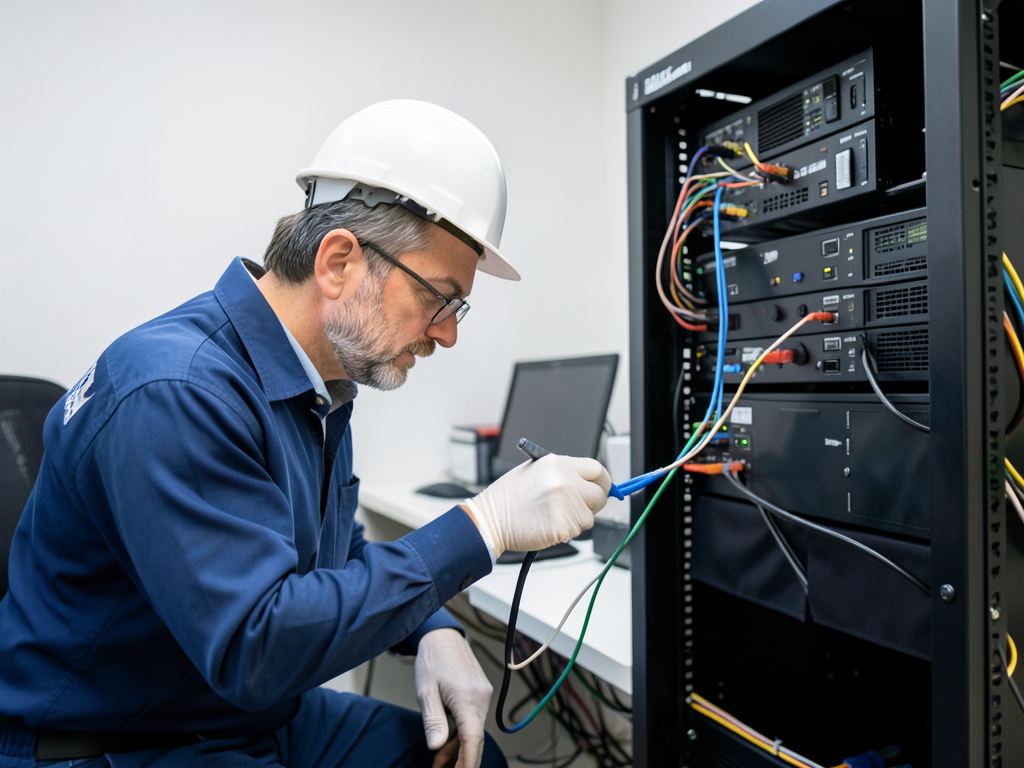
Setting Up a Dedicated Home Server Room in Your Frisco Professional Office
Setting up a home server room in Frisco requires more than just plugging in a few devices. The Texas heat, power demands, and networking needs create a unique set of challenges that demand professional electrical expertise. This guide walks you through the critical steps to ensure your server room runs reliably and safely. Who to Call for Emergency Electrical Repair in Uptown Dallas Tonight.
Why Frisco Homes Need Specialized Server Room Wiring
Frisco’s rapid growth as a tech hub means more professionals are building home offices with dedicated server infrastructure. Standard residential wiring wasn’t designed for continuous high-load equipment operation. Server racks draw consistent power 24/7, generate significant heat, and require precise voltage regulation that basic home circuits can’t provide. How to Modernize Your Frisco Smart Home with Professional Wiring Services.
The Dallas climate adds another layer of complexity. Summer temperatures regularly exceed 95°F, pushing air conditioning systems to their limits. Without proper cooling design, server equipment can overheat within minutes, causing data loss and hardware damage. Professional installation addresses these environmental factors from the ground up.
Power Requirements for Home Server Equipment
Server equipment demands dedicated electrical circuits to prevent overload and ensure stable operation. A typical home server rack might include:
- Multiple 1U or 2U servers drawing 200-400 watts each
- Network switches and routers consuming 50-100 watts
- Storage arrays requiring 100-300 watts
- Cooling fans and exhaust systems adding 50-150 watts
These components can easily exceed 1,500 watts total, requiring a dedicated 20-amp circuit rather than standard 15-amp residential circuits. The National Electrical Code (NEC) requires dedicated circuits for continuous loads exceeding 50% of circuit capacity. National Electrical Code (NEC).
Choosing the Right Circuit Configuration
For most home server rooms, a 20-amp dedicated circuit using 12-gauge wiring provides the best balance of capacity and safety. This configuration supports: City of Frisco Development Services.
- Continuous operation at 16 amps (80% of 20-amp capacity)
- Future expansion without rewiring
- Proper grounding for sensitive electronic equipment
The circuit should use a NEMA 5-20R receptacle, which accepts both standard 15-amp plugs and 20-amp plugs. This gives flexibility for future equipment upgrades.
Low-Voltage Cabling Infrastructure
Network performance directly impacts server room functionality. Cat6a cabling provides the bandwidth and shielding needed for modern server applications, supporting speeds up to 10 Gbps over 100 meters.
Cable Types and Their Applications
Different cable types serve specific purposes in a server room:
| Cable Type | Maximum Speed | Best Use | Distance Limit |
|---|---|---|---|
| Cat6a | 10 Gbps | Server-to-switch connections | 100 meters |
| Cat6 | 1 Gbps | Workstation connections | 100 meters |
| Fiber Optic | 40-100 Gbps | Long-distance backbone | 2,000+ meters |
Structured cabling using patch panels and proper labeling prevents confusion during maintenance and upgrades. Each cable should be labeled at both ends with its destination and purpose.
Thermal Management and Cooling Solutions
Dallas’s climate makes cooling one of the most critical aspects of server room design. Server equipment generates substantial heat, and without proper ventilation, temperatures can quickly reach dangerous levels.
Calculating Cooling Requirements
Server equipment typically requires 1 ton of cooling per 3-4 kW of equipment load. A modest home server setup might need:
- 2-3 kW of equipment = 0.5-1 ton of cooling capacity
- Additional capacity for room heat gain
- Redundancy for critical operations
BTU calculations help determine cooling needs. One ton of cooling equals 12,000 BTU/hour. For a 3 kW server load:
3 kW × 3,412 BTU/kWh = 10,236 BTU/hour
Required cooling: 10,236 ÷ 12,000 = 0.85 tons
Adding 20% for room heat gain and redundancy brings the requirement to approximately 1 ton of cooling capacity.
Grounding and Electrical Safety
Proper grounding protects both equipment and users from electrical hazards. Server rooms require specific grounding techniques that go beyond standard residential practices.
Grounding Bus Bar Installation
A grounding bus bar provides a central connection point for all equipment grounds. This ensures:
- Equal potential across all devices
- Protection against ground loops
- Safe discharge of static electricity
The bus bar should connect to the main electrical panel’s ground bus using appropriately sized copper wire. For a home server room, 6 AWG copper wire typically suffices.
Permitting and Code Compliance in Frisco
Building permits ensure your server room meets safety standards and local regulations. Frisco follows the 2021 National Electrical Code with local amendments.
Permit Requirements
Most server room installations require permits for:
- New dedicated circuits
- Low-voltage structured cabling
- Ventilation modifications
- Panel upgrades if needed
The City of Frisco Development Services processes permits within 3-5 business days for residential projects. Inspections verify proper grounding, circuit protection, and ventilation compliance.
Surge Protection for Sensitive Equipment
Power surges from lightning strikes or grid fluctuations can destroy server equipment. Comprehensive surge protection includes multiple layers:
Protection Layers
Whole-home surge protectors installed at the main panel provide first-line defense against large surges. Point-of-use surge protectors at individual devices offer additional protection for sensitive components.
For maximum protection, consider an uninterruptible power supply (UPS) with built-in surge protection. UPS units provide:
- Battery backup during outages
- Voltage regulation
- Surge suppression
- Power conditioning
Equipment Rack and Cable Management
Proper rack selection and cable management prevent overheating and simplify maintenance. Standard 19-inch racks accommodate most server equipment.
Rack Selection Factors
Consider these factors when choosing a rack:
- Depth: 24-30 inches for most servers
- Height: 42U or 45U for growth capacity
- Weight capacity: 150-200 pounds minimum
- Ventilation: Perforated front and rear doors
Cable management systems including vertical and horizontal organizers prevent tangled cables that block airflow and complicate troubleshooting.
Professional Installation Benefits
Professional installation ensures your server room meets all safety standards and performs reliably. Licensed electricians bring expertise in: Electricians Balch Springs.
- Load calculations and circuit design
- Code compliance and permitting
- Proper grounding techniques
- Integration with existing home systems
DIY electrical work risks fire hazards, equipment damage, and code violations that could affect insurance coverage.
Maintenance and Monitoring
Regular maintenance keeps your server room running efficiently. Key tasks include:
- Monthly visual inspections for loose connections
- Temperature monitoring to detect cooling issues
- Cable management checks for organized routing
- Backup testing to verify UPS functionality
Temperature monitoring systems can alert you to cooling failures before equipment damage occurs.
Cost Factors for Server Room Installation
Several factors influence the total cost of your server room project:
- Circuit installation: $300-600 per dedicated circuit
- Cabling infrastructure: $150-300 per cable run
- Cooling solutions: $500-3,000 depending on capacity
- Permitting and inspections: $100-300
- Professional labor: $75-125 per hour
Simple setups might cost $1,500-2,500, while comprehensive installations with cooling can reach $5,000-8,000.
Future-Proofing Your Server Room
Technology evolves rapidly, so design your server room for future upgrades. Include:
- Extra circuit capacity for additional equipment
- Additional cable runs for future connections
- Space for equipment expansion
- Scalable cooling solutions
Planning for growth prevents costly retrofits later.
Frequently Asked Questions
Do I need a permit for a home server room in Frisco?
Yes. Most server room installations require electrical permits for new circuits and low-voltage permits for structured cabling. The City of Frisco Development Services handles these permits.
Can I use my existing home electrical panel for server equipment?
Standard residential panels typically have limited capacity for dedicated circuits. A professional load calculation determines if your panel can handle the additional load or if an upgrade is necessary.
How much cooling do I need for a home server room?
Calculate 1 ton of cooling per 3-4 kW of equipment. Add 20% for room heat gain and redundancy. A typical home setup needs 0.5-1 ton of cooling capacity.
What type of surge protection do I need?
Use multiple layers: whole-home surge protection at the main panel, point-of-use protectors at devices, and consider a UPS with built-in surge suppression for critical equipment.
How long does installation take?
Simple installations take 1-2 days. Comprehensive setups with cooling and extensive cabling might require 3-5 days plus permitting time.
Get Professional Server Room Installation in Frisco
Setting up a reliable home server room requires expertise in electrical systems, cooling design, and network infrastructure. Don’t risk equipment damage or safety hazards with DIY installation. Finding a Reliable Residential Electrician in Plano for Your Kitchen Remodel.
Apex Electricians Dallas provides professional server room installation throughout Frisco and the Dallas metro area. Our licensed electricians handle everything from dedicated circuit installation to structured cabling and cooling solutions.
Call us today at (972) 823-5855 to schedule your server room consultation. We’ll assess your needs, provide a detailed quote, and ensure your home office infrastructure meets all safety standards and performs reliably for years to come.
Protect your investment and ensure reliable operation with professional installation from electricians who understand the unique demands of home server infrastructure in the Dallas climate. Reliable Commercial Electrical Contractors for Businesses in Downtown Dallas.
